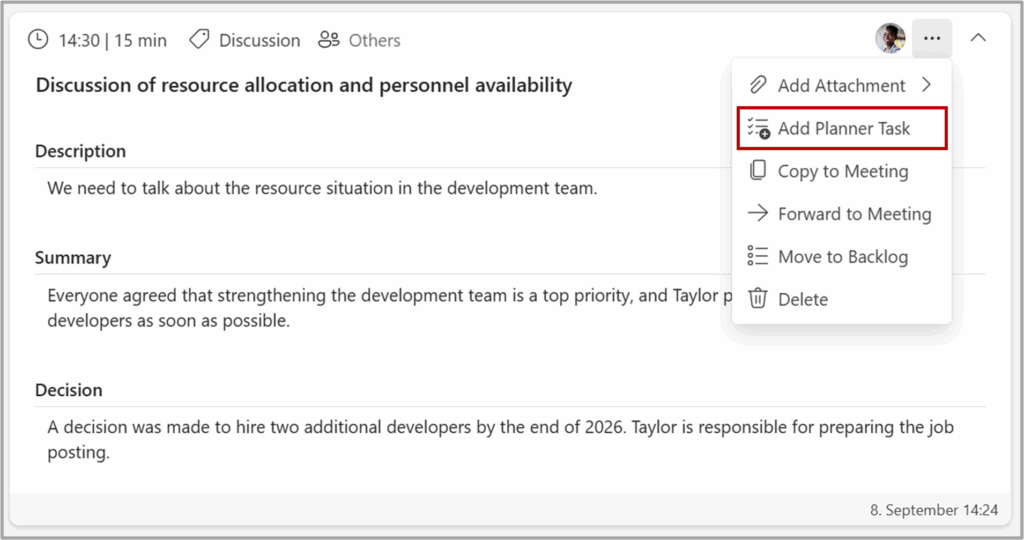
To link one or more Planner tasks to an Agenda Item, follow these simple steps #
1 – On the desired Agenda Item, click on the three dots in the top-right corner.
2 – Select «Add Planner Task» from the menu.
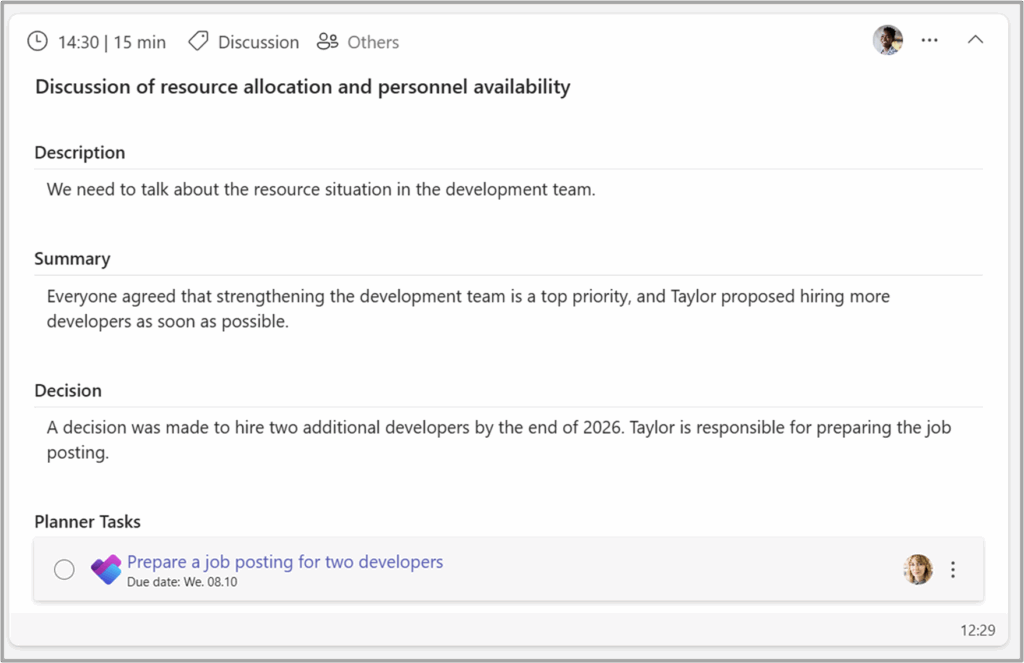
Next, you need to create the Planner task by filling out the following details: #
- Planner Plan: Select the plan you want associate the task with. If the plan is set in settings, this is default selected and can not be changed.
- Planner Bucket: Select the bucket you want to associate the task with.
- Title: Enter a title for the task.
- Description: Provide a brief description of what the task is about.
- Assigned: Search for and select the person responsible for the task. This person will be assigned the task in Planner.
- Due Date: Set a deadline for when the task needs to be completed.
Once you’ve filled out these fields, the Planner task will be linked to your Agenda Item for easy tracking and management.
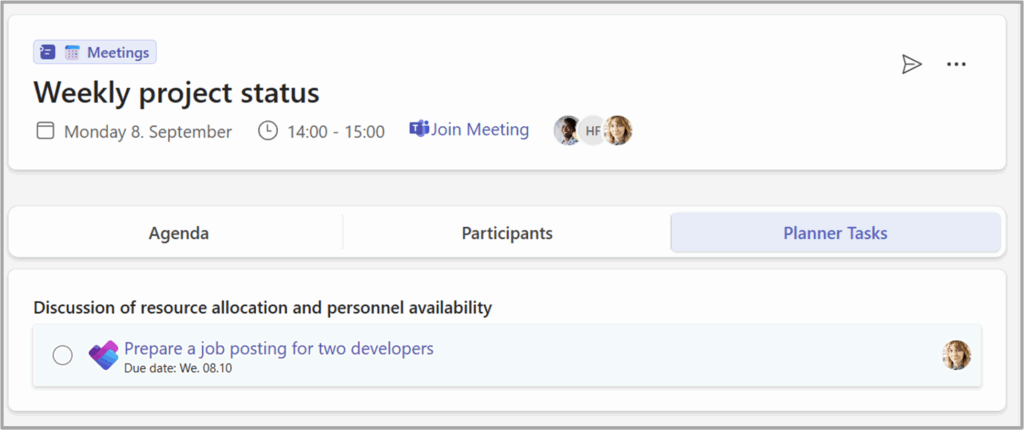
All Planner tasks belonging to the meeting will be listet in a separate tab as well.