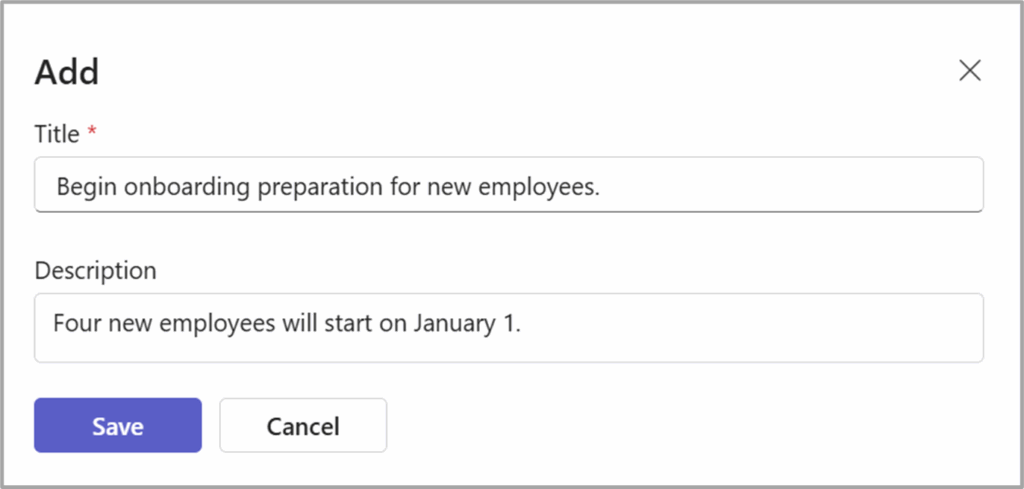
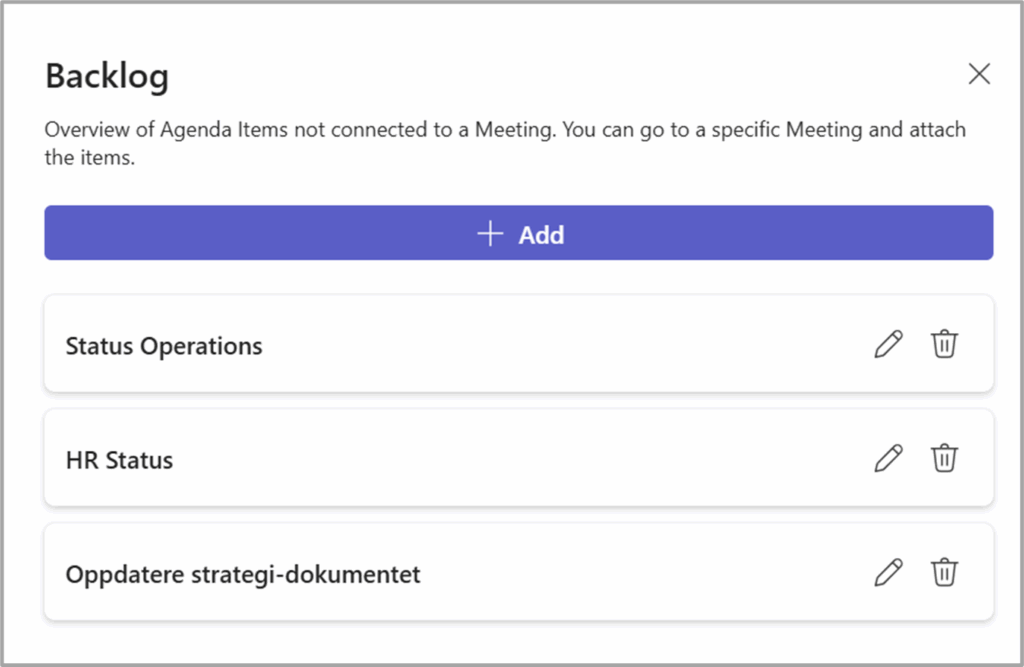
When you remove (but do not delete) items from a meeting, they are moved to the Backlog. In the Backlog, you can also register items that may be included in future meetings.
These items stored in the Backlog remain accessible for review and can be easily assigned to upcoming meetings as needed, ensuring that no important topics are overlooked and supporting efficient meeting preparation.
Add a new item to the Backlog #
1 – From Agenda Home, select Backlog.

2- From the panel you will see the existing Backlog items and the choice to add a new.
3 – Just add the title and description to finish.