
Three steps to add Agenda to your team or to a new channel in your team: #
1 – Select a channel and use the plus sign to create a new tab.
2 – Then, search for and select the Enable 365 Agenda app.
3 – Choose V3, the latest version.
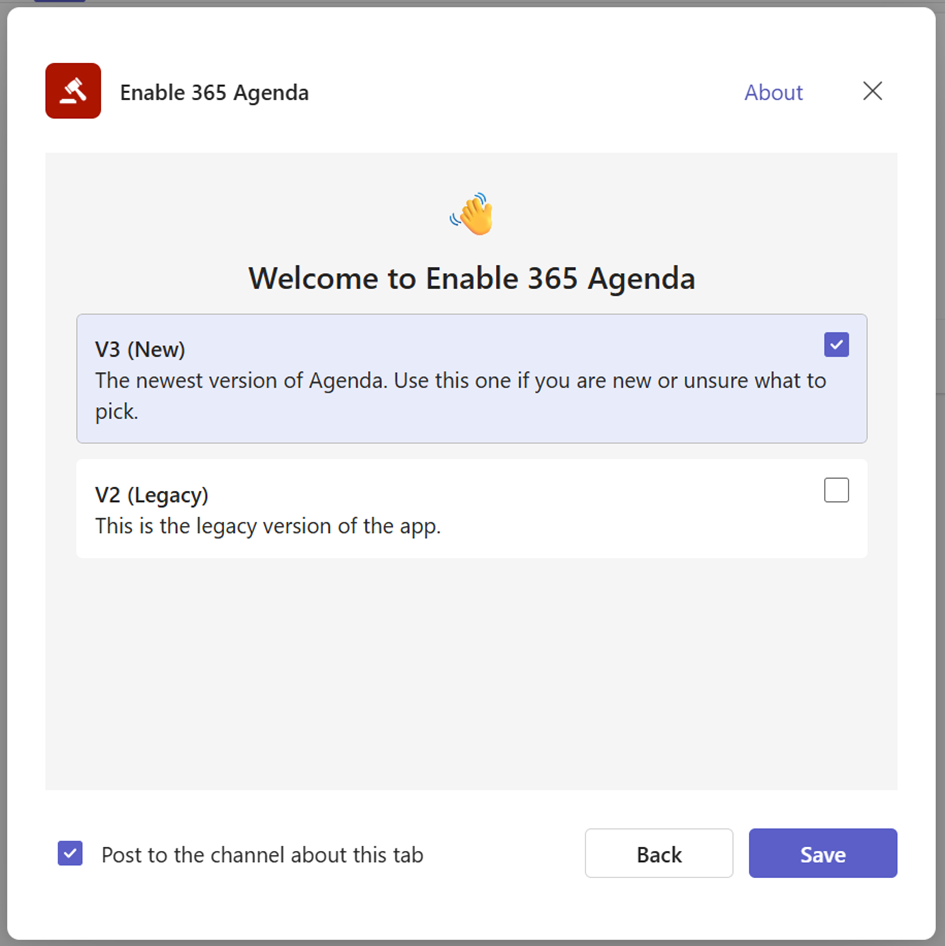
👉 You may be asked to provide consent before the app can be added.
This typically occurs the first time you use it, but it can also happen after updates or changes from Microsoft.


