
Summary #
The “Summary” field opens at the meeting start for recording outcomes.
Format text #
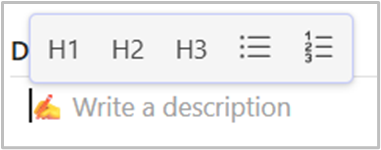
When you start writing in the description, summary, or decision fields, you can enhance the text format with the following options:
- H1, H2, or H3 Headers: Use these to create structured headings for better readability.
- Bullet List: Organize content into simple, unordered lists.
- Numbered List: Use for ordered or sequential items.
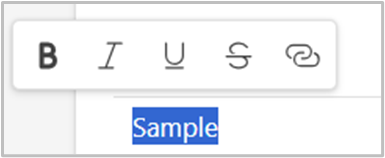
To format specific parts of the text in description, summary, or decision fields, highlight the text you want to format.
Choose from the following options:
- Bold: Make text stand out.
- Italic: Add emphasis or style to text.
- Underline: Highlight important text.
Strikethrough: Indicate removed or completed items.- Link: Add hyperlinks to provide additional context or references.
Decision #
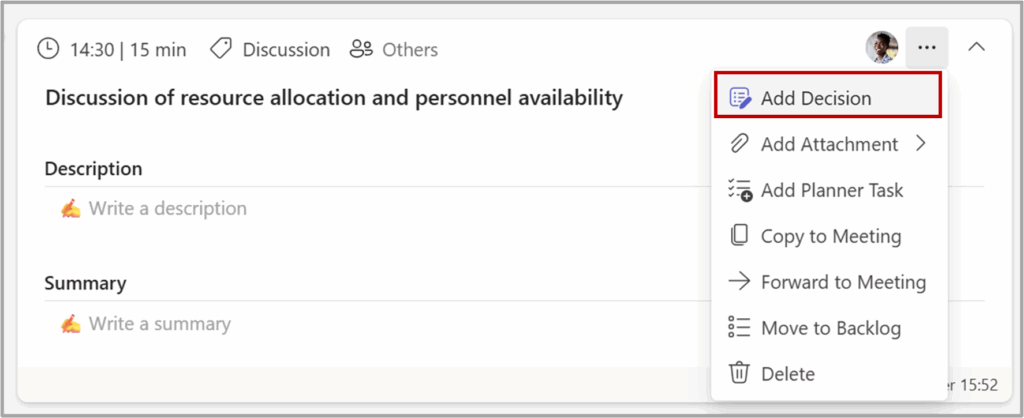
To log a decision, select the “Add Decision” from the agenda item’s three-dot menu (…)
Sample of agenda Item with summary and decision:
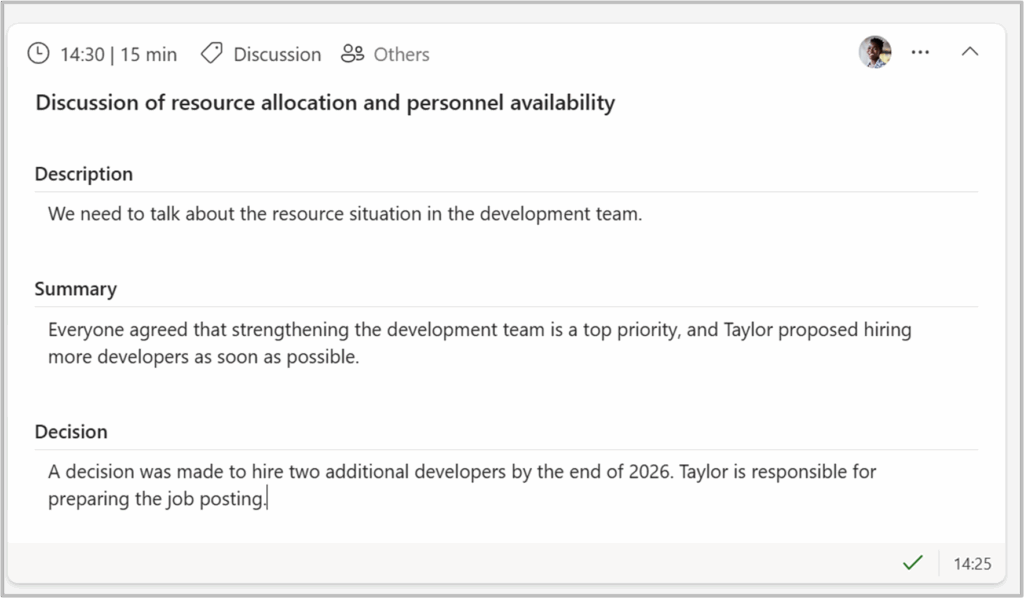
👉 All decisions are recorded in the Decisions Log available on Agenda Home.


